Free Tesla wrap downloads — PNG templates for every model
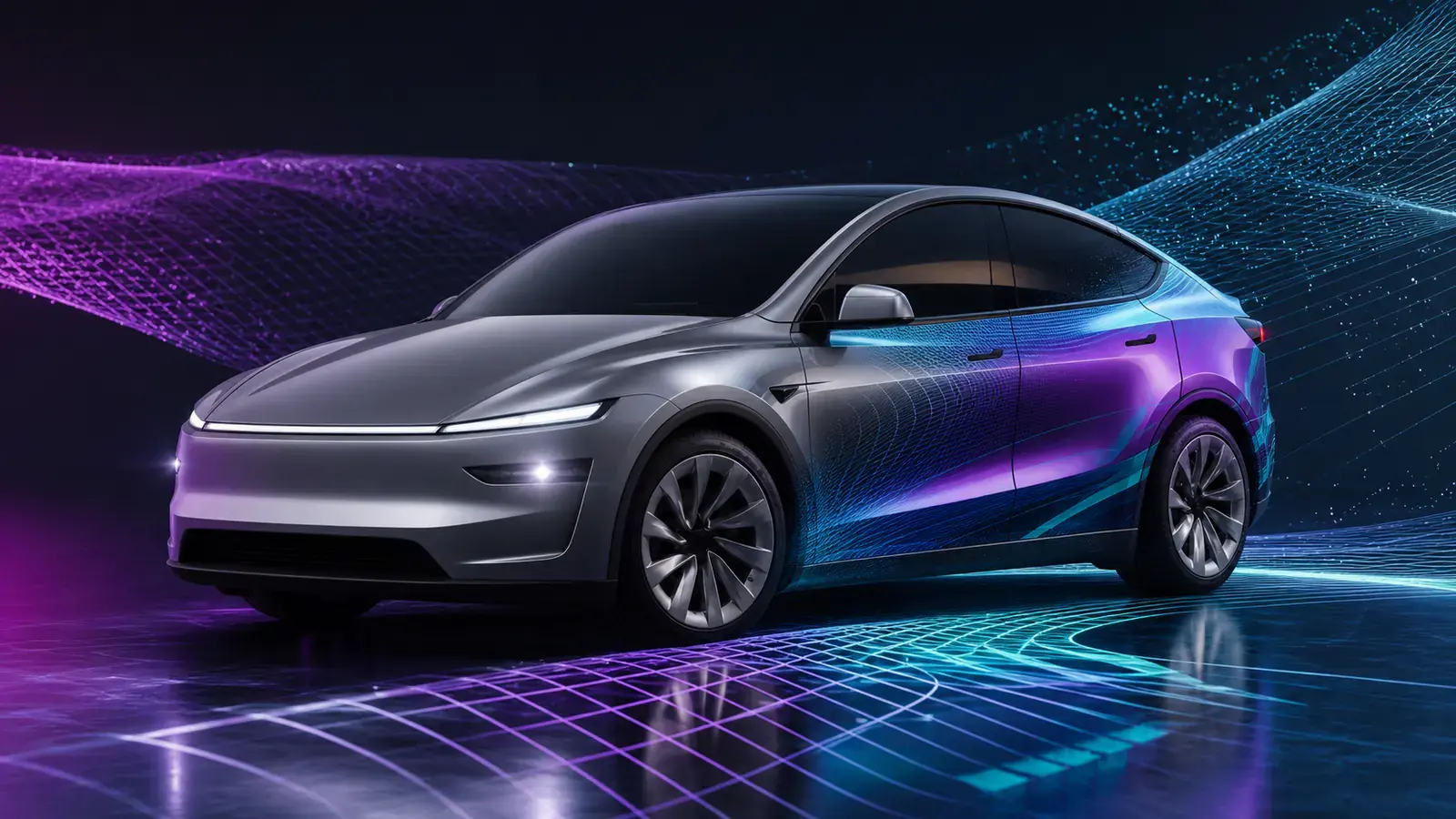
Free Tesla wrap design PNG downloads. The community Gallery has thousands of wraps for Model 3, Model Y, Model S, Model X and Cybertruck. No registration, ready for Paint Shop. Every wrap on this site is free: browsing needs no account, there are no watermarks and no 'premium' upsells. Pick a design, download the PNG, put it on your car.
We do this because the Tesla wrap community grew on sharing — people post designs on GitHub, Reddit and Discord for anyone to use. We wanted to make that easier, not charge for it.
Where to download
•Model 3 Classic — the largest collection, hundreds of designs from racing liveries to anime
•Model 3 Highland (2024+) — growing fast as more Highland owners join
•Model Y — the second-largest collection; clean designs dominate
•Model Y Juniper (2025+) — new templates for the refreshed front
•Cybertruck — bold angular designs matching the truck's character
The Gallery sorts by popularity (likes + downloads) by default, so the front page is community-proven. You can also sort by newest.
File format
•Resolution: 1024×1024 or 512×512 px (Paint Shop requirement)
•File size: under 1 MB each (Tesla limit)
•Transparency: some wraps use transparent areas showing the car's base colour — intentional, and works in Paint Shop
•No conversion needed — copy the download straight to USB
Blank templates
•Use our editor — open it, pick your model, the correct template is already loaded; design on it with our tools.
•Download raw templates — Tesla publishes official blank templates on GitHub (base PNGs showing the UV grid). Import into Photoshop, Illustrator, Figma or any editor.
Photoshop tip: work at the template's native resolution. Upscaling looks blurry on the car screen; downscaling loses detail. Match the template size exactly.
How to use a downloaded wrap
Copy the PNG into a Wraps folder on a USB drive (exFAT or FAT32), plug it into the Tesla, and open Toybox → Paint Shop → Wraps. Up to 10 wraps load at a time. If it doesn't work, see our Paint Shop troubleshooting guide.
Can't find what you want?
•Design it yourself — drag-and-drop editor with images, text, shapes and colours; no experience needed for colour changes or stripes.
•Generate with AI — describe what you want and AI creates a UV-ready wrap; strong on anime, racing and abstract styles.
Both end with a downloadable PNG, just like the Gallery.
Share your design
Made something you're proud of? Submit it to the Gallery. The community votes with likes and downloads, and the most popular designs are featured on the homepage.